3D World Demo
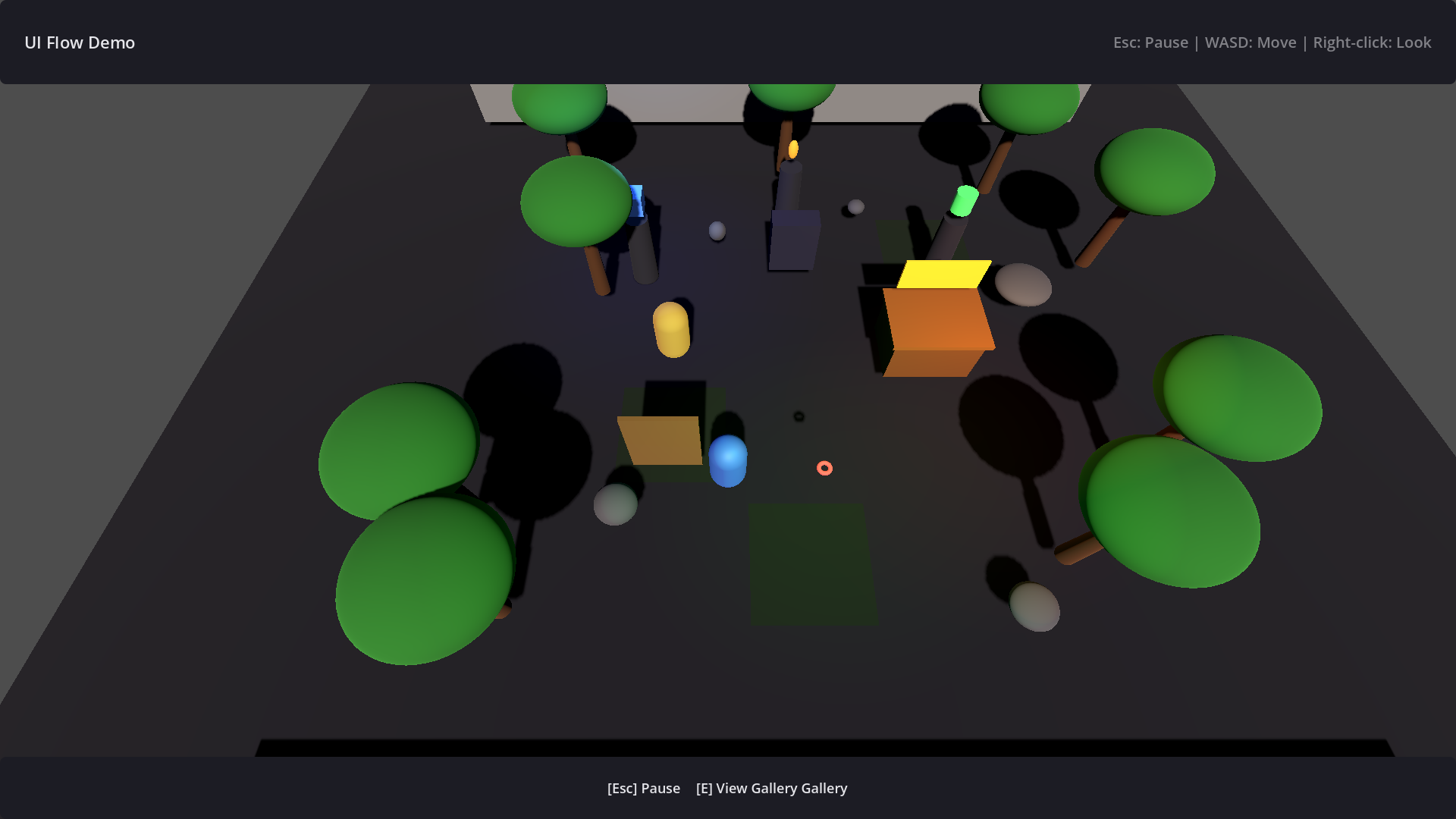
The 3D World Demo shows how to integrate UIFlow pages into a Godot 3D game: dialogs, shops, and the main HUD.
How to Run
Click the 3D World Demo button in the Demo Hub, or run directly:
Scene Structure
addons/ui_flow/examples/3d_world/
├── game_world.tscn        # 3D scene root
├── game_world.gd          # Game entry, pushes HUD
├── interactive_object.gd  # Interactable object, triggers dialog / shop
├── main_hud.tscn / .gd    # Main HUD page
├── dialog_page.tscn / .gd # Dialog page
└── shop_page.tscn / .gd   # Shop page
Interaction Flow
- The player approaches an interactable object and presses the interact key.
interactive_object.gdcallsUIFlow.push(DialogPage, {"npc": ...})orUIFlow.push(ShopPage, ...).- Pages overlay the 3D scene using modal or semi-modal mode.
Notes
- HUD pages usually do not need enter / exit effects; disable them in the resource.
- Dialog pages should usually be modal to prevent player movement.