Installation
From Godot Asset Library
Coming soon.
Manual Install
- Download or clone the repository:
- Copy the
addons/game_feel_flowfolder into your project'saddons/directory. - Open your project in Godot.
- Go to Project 鈫?Project Settings 鈫?Plugins.
- Find Game Feel Flow and click Enable.
Godot will automatically add the GameFeelFlow autoload singleton.
Pro Extension (Optional)
Pro
UI and Material targets, plus the Timeline Editor dock, are part of the Game Feel Flow Pro extension.
- Copy
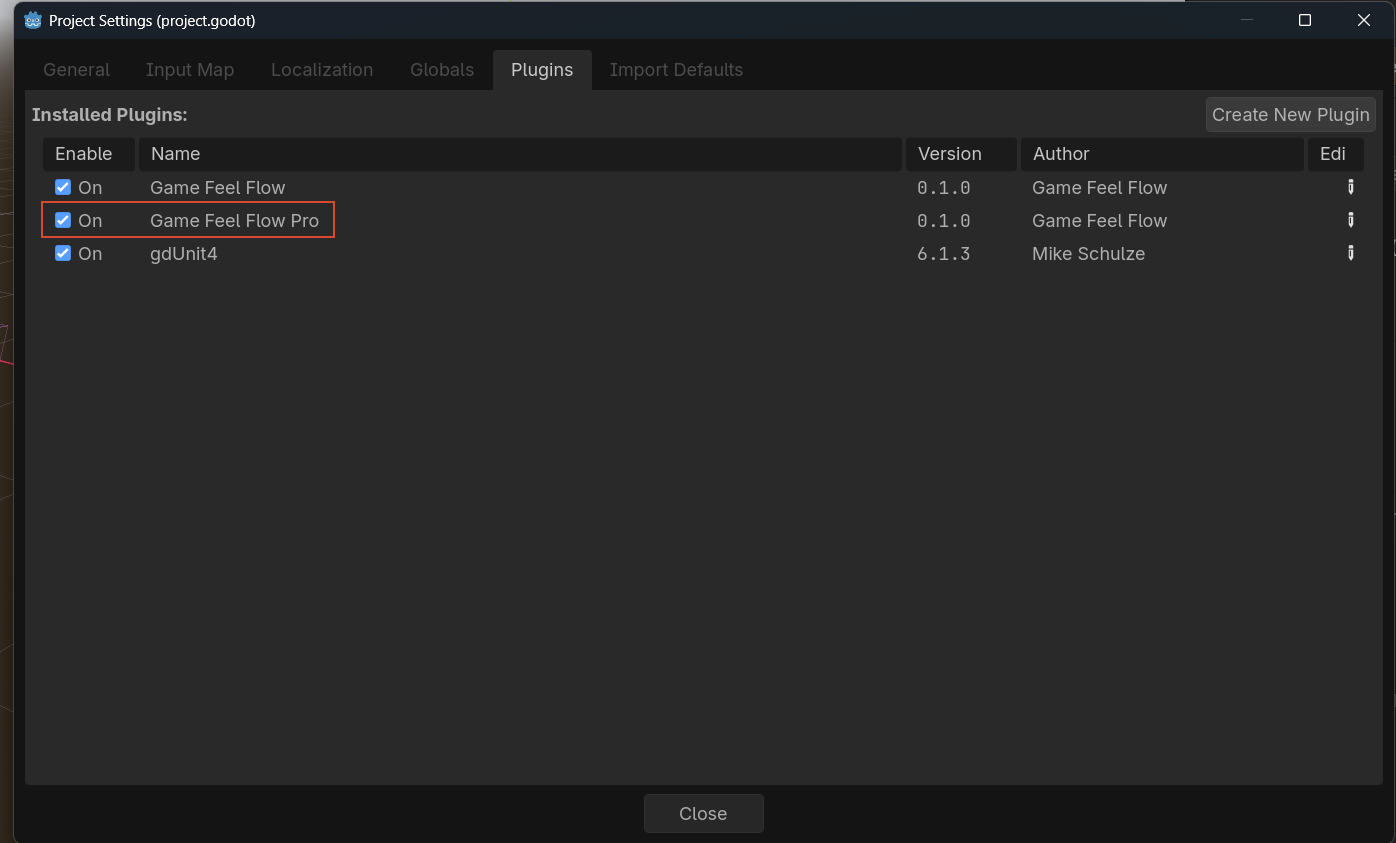
addons/game_feel_flow_prointo your project'saddons/directory. - In Project 鈫?Project Settings 鈫?Plugins, enable Game Feel Flow Pro.
- Make sure the free Game Feel Flow plugin is enabled first.
See the Pro documentation to learn what Pro adds and whether it fits your project.
Verify
Create a new scene, add a Node2D, and attach a GFFPlayer node as a child. You should see the custom Inspector appear.